TimeMaster3000
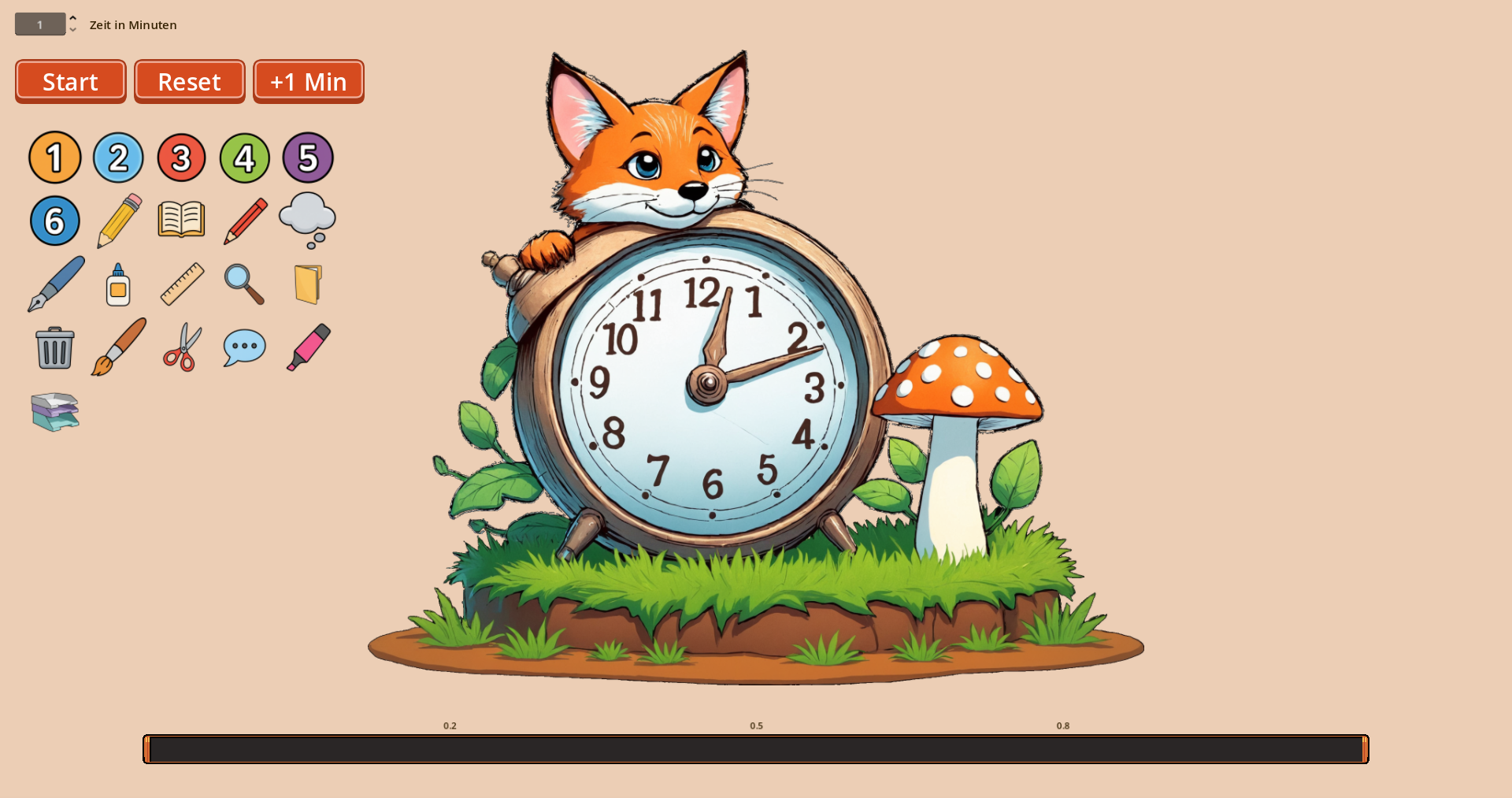
This tool is designed to help teachers, educators, and students manage time effectively. Instead of just watching numbers tick down, this timer uses a visual progress bar and customizable icons to structure lessons or tasks.
Key Features:
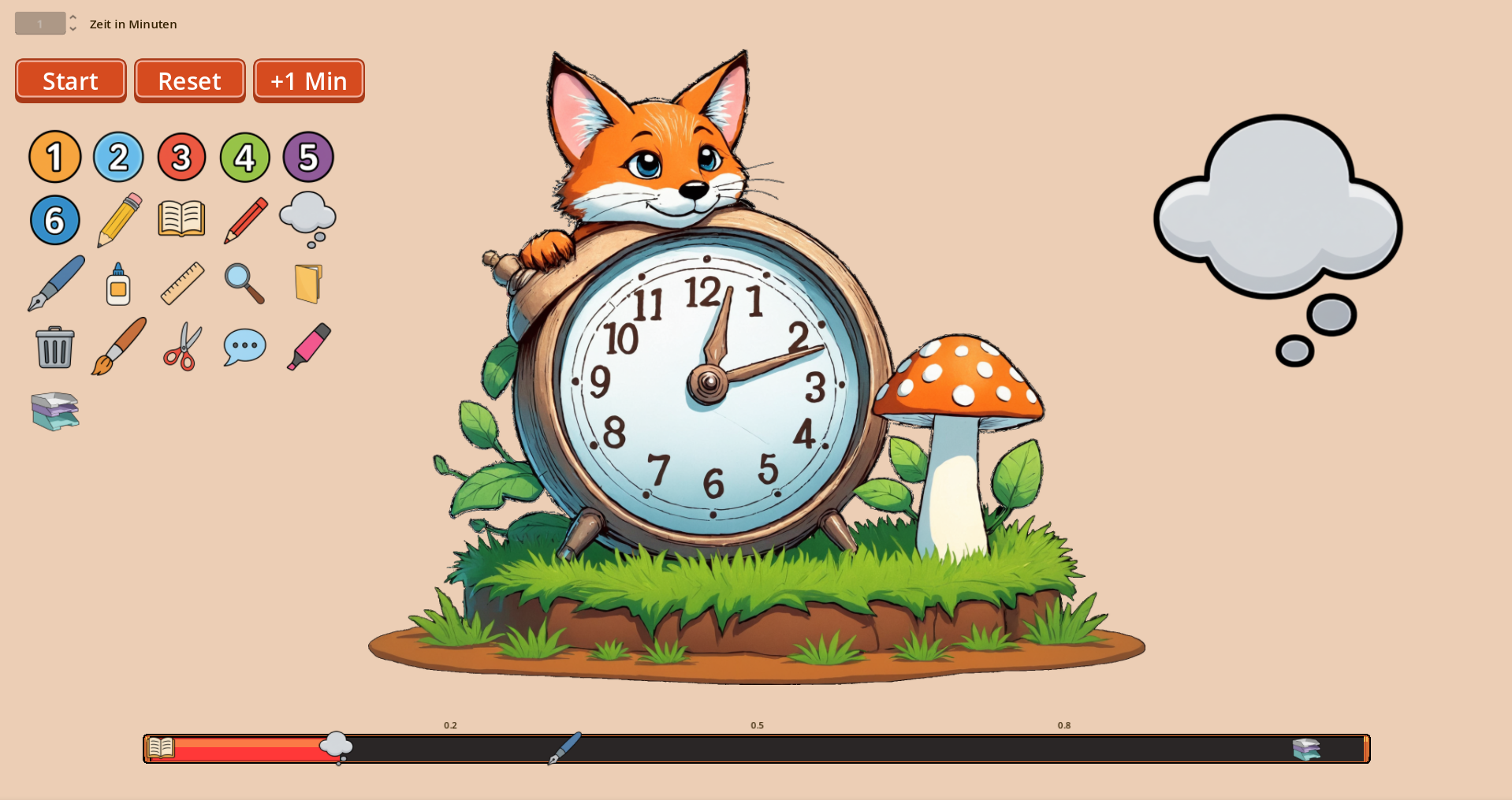
- Visual Timeline: A red bar progresses across the screen, helping students understand how much time is left at a glance.
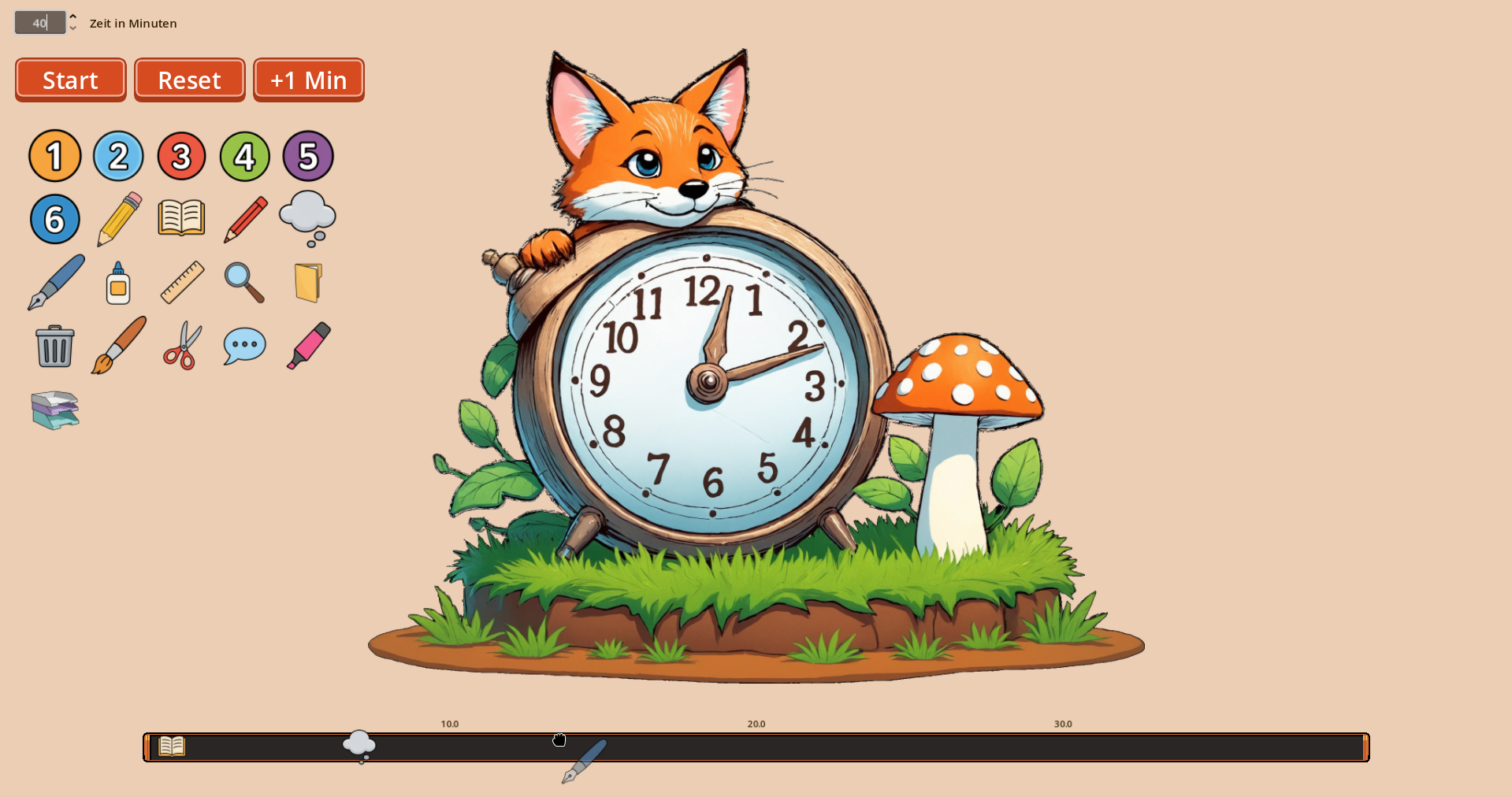
- Drag & Drop Events: Easily drag icons onto the timeline to schedule specific events.
- Smart Audio: Includes helpful sound effects for starting, reaching milestones, and finishing.
- Flexible Time Management: Running late? Use the "+1 Min" button to extend the timer on the fly without resetting your placed icons.
- Browser-Based: Works instantly on Smartboards, PCs, and tablets without installation.
- Offline Versions: For €1.95, you can download the standalone apps for Windows and Linux – perfect for classrooms without reliable internet access.
How to use:
- Enter the total time in minutes at the top left.
- Drag and drop icons from the menu onto the timeline bar.
- Correction: Made a mistake? Simply drag the icon from the timeline back to the menu on the left to delete it.
- Press "Start".
- As the red bar progresses, it will trigger the icons and display them prominently when reached.
Dieser Timer ist perfekt für den Einsatz im Klassenzimmer. Anstatt nur Zahlen herunterzuzählen, visualisiert er die verbleibende Zeit als fortschreitenden roten Balken.
Funktionen:
- Visuelle Zeitleiste: Ein roter Balken füllt sich über die eingestellte Zeit, was Kindern hilft, ein Gefühl für die Dauer zu entwickeln.
- Drag & Drop Icons: Ziehen Sie Ereignisse direkt auf die Zeitleiste, um Zwischenziele zu setzen.
- Audio-Feedback: Signaltöne beim Starten, bei Erreichen eines Icons und am Ende der Zeit
- Flexibel: Brauchen die Schüler länger? Mit dem "+1 Min"-Button können Sie die Zeit verlängern, ohne den Ablauf zu stören.
- Läuft im Browser: Keine Installation notwendig. Einfach auf dem Smartboard oder Tablet öffnen und starten.
- Offline-Versionen: Für 1,95 € erhalten Sie die Versionen für Windows und Linux zum Herunterladen – ideal, um das Tool offline und ohne Internetverbindung zu nutzen.
Anleitung:
- Geben Sie die gewünschte Zeit in Minuten oben links ein.
- Ziehen Sie Icons aus der linken Leiste auf den Zeitstrahl, um Zwischenziele zu markieren.
- Korrektur: Haben Sie ein Icon falsch platziert? Ziehen Sie es einfach von der Zeitleiste zurück in das Menü links, um es zu löschen.
- Drücken Sie "Start".
- Wenn ein Icon erreicht wird, erscheint es groß auf dem Bildschirm.
Download
Click download now to get access to the following files:
Comments
Log in with itch.io to leave a comment.
Ich nutze den Timer täglich im Unterricht und finde ihn super!
Ich kann Arbeitsschritte visualisieren und auch meine Erstklässler verstehen die Zeitleiste ohne Probleme